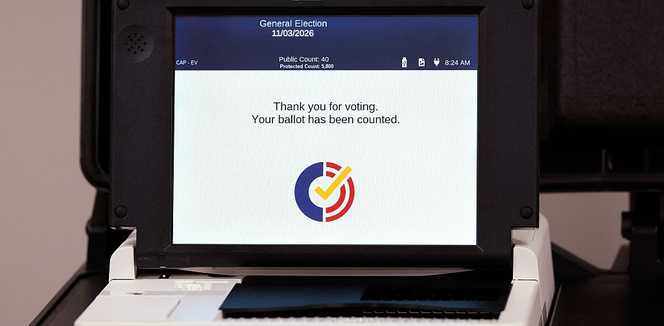








You may have seen reports over the weekend about touchscreen voting machines recording a different selection than a voter intended. Election officials say these issues are typically linked to accidental touches or a screen that needs adjustment.
“Almost all of the claims of vote flipping are understandable human error,” said David Becker, executive director of the Center for Election Innovation and Research.
But we’re here to help. Most importantly, remember you can review your choices and ask a poll worker for help before casting your ballot.
Follow these three simple steps:
1. Take your time making selections.
Tap carefully and check that the screen shows the choice you intended. Tapping the screen too hard, for example, can cause miscalibration with the machine. If you have trouble making a selection, ask a poll worker for help.
2. Review every choice before printing.
Before printing your ballot, review your choices and make any corrections. Check every page to make sure you’ve made the selections you want. You can choose to leave a race blank.
3. Review your paper ballot before casting it.
After the machine prints your ballot, review the printout. If anything doesn’t match your intended choices, let a poll worker know before submitting and scanning it in the ballot marking machine.